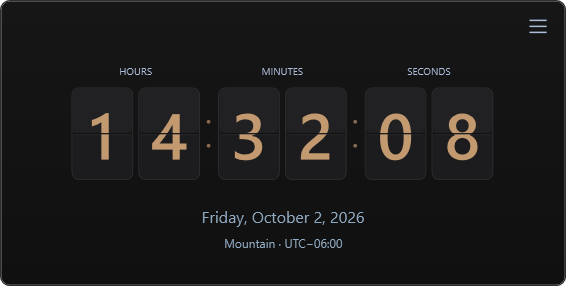
01 Mechanical flip
A flip-style display with separate hour, minute, and second digits.


WINDOWS CLOCK SYNCHRONIZATION
See how far your PC’s clock is ahead or behind. Compare regional NTP sources, track drift, and keep Windows time in sync.
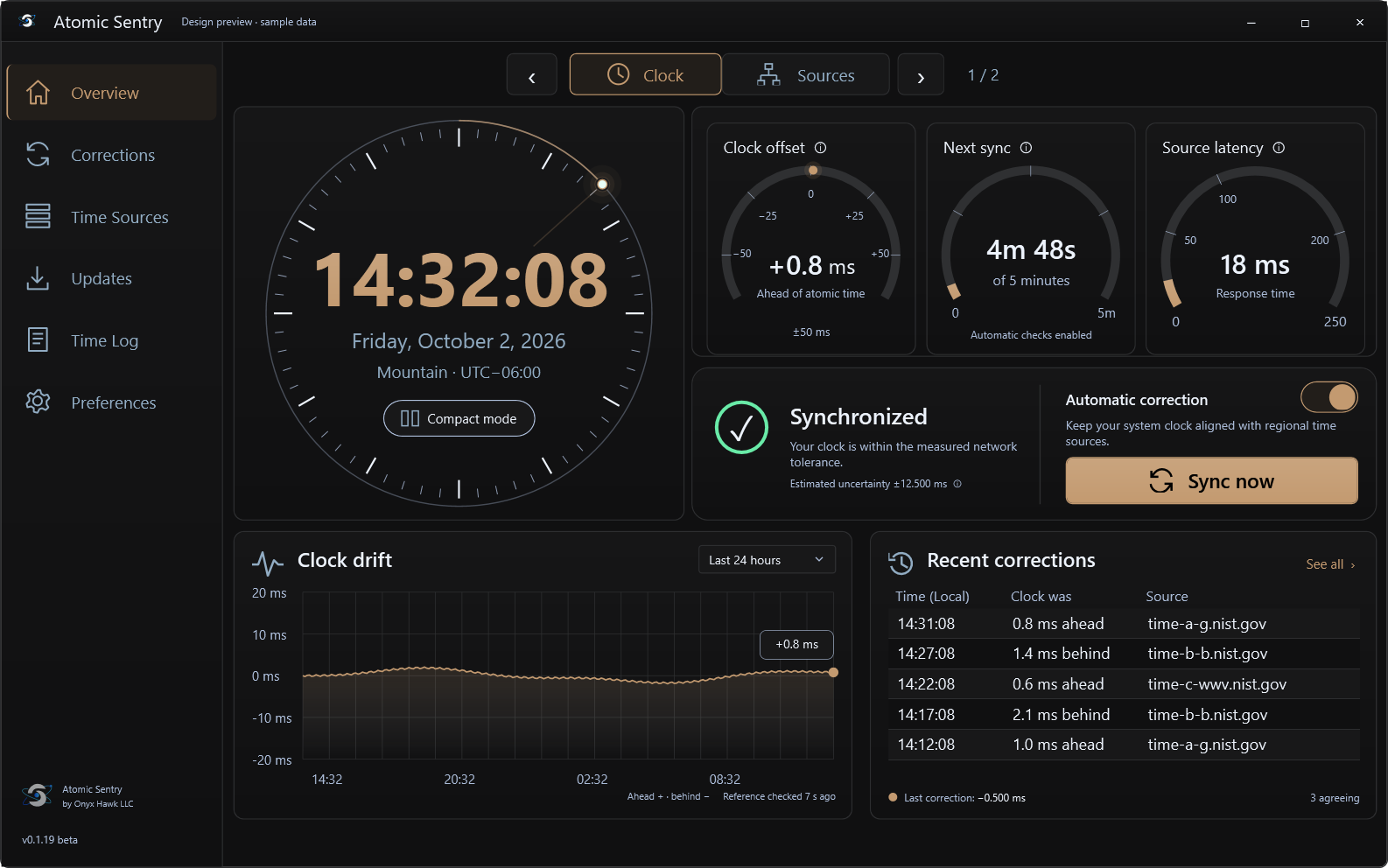
Compare readings across your selected region.
See the measured difference and its margin of uncertainty.
A Windows service handles clock correction.
COMPARE THE SOURCES
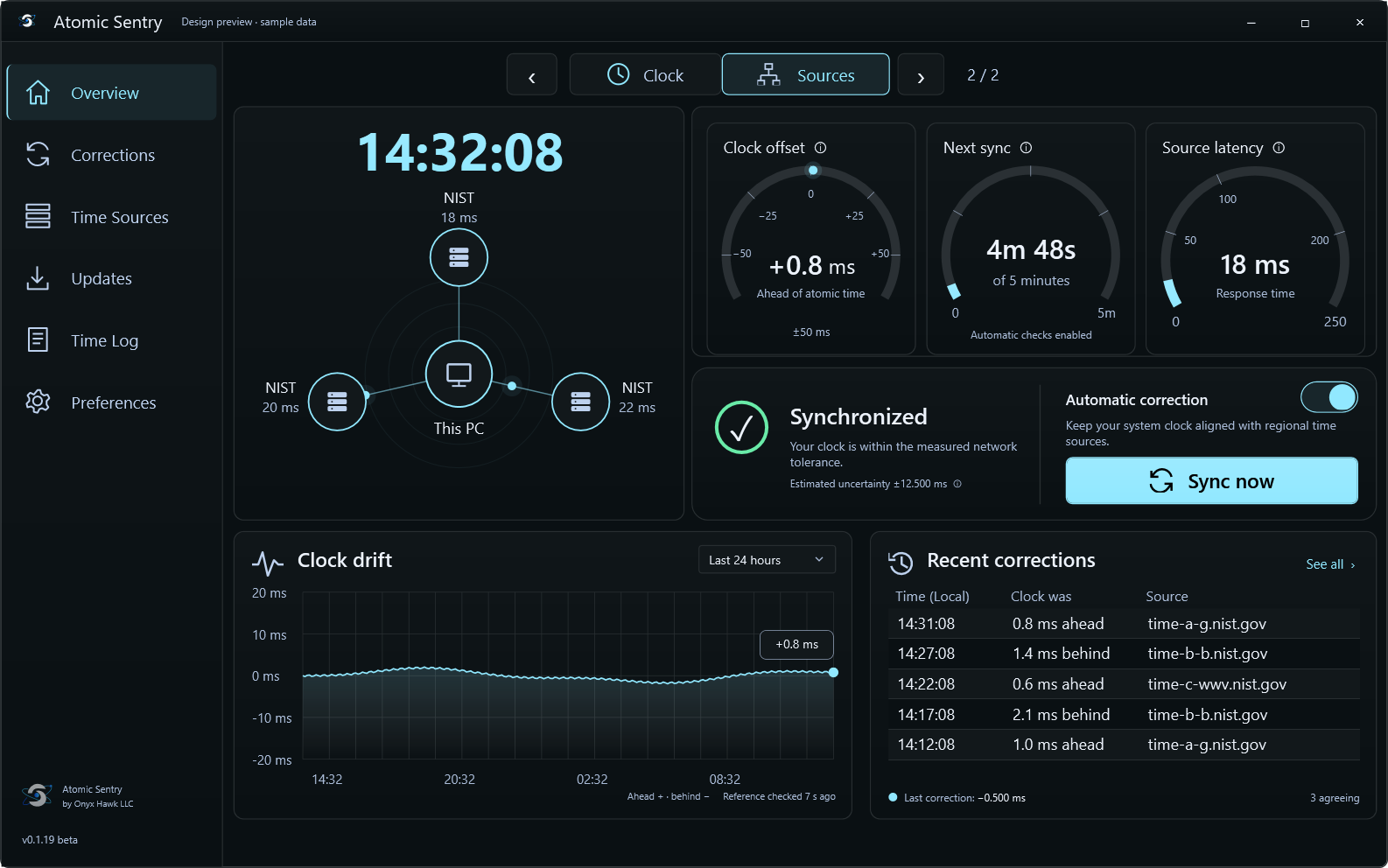
Atomic Sentry compares three time sources in your selected region. It uses NTP timestamps to account for network delay when calculating your clock’s offset.
Offset is the measured difference between your PC’s clock and the reference time. Estimated uncertainty shows the margin around that reading. Both are displayed in milliseconds.
Sources may share an operator. Accuracy depends on your network and the available sources.
COMPACT CLOCKS
Keep a clock visible without the full dashboard.
Choose flip, analog, or digital LED.
A flip-style display with separate hour, minute, and second digits.
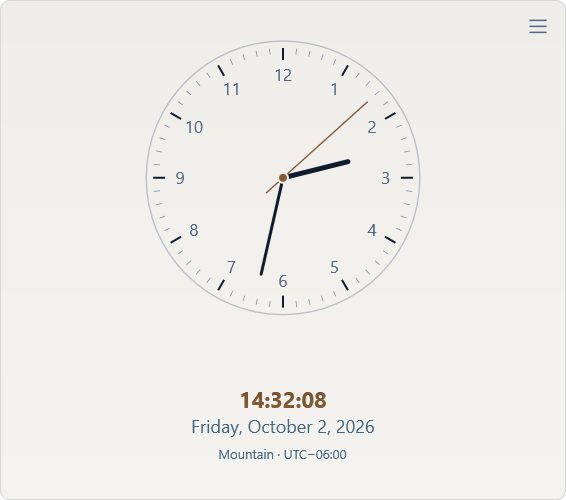
A traditional dial in a compact desktop window.
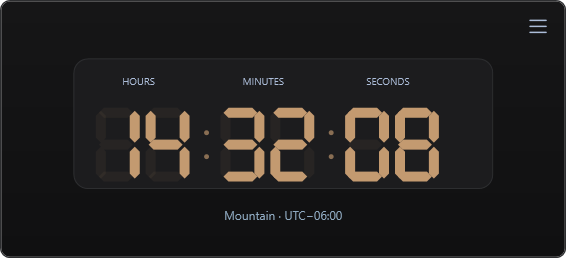
Large LED-style digits for a quick time check.
APPEARANCE & PREFERENCES
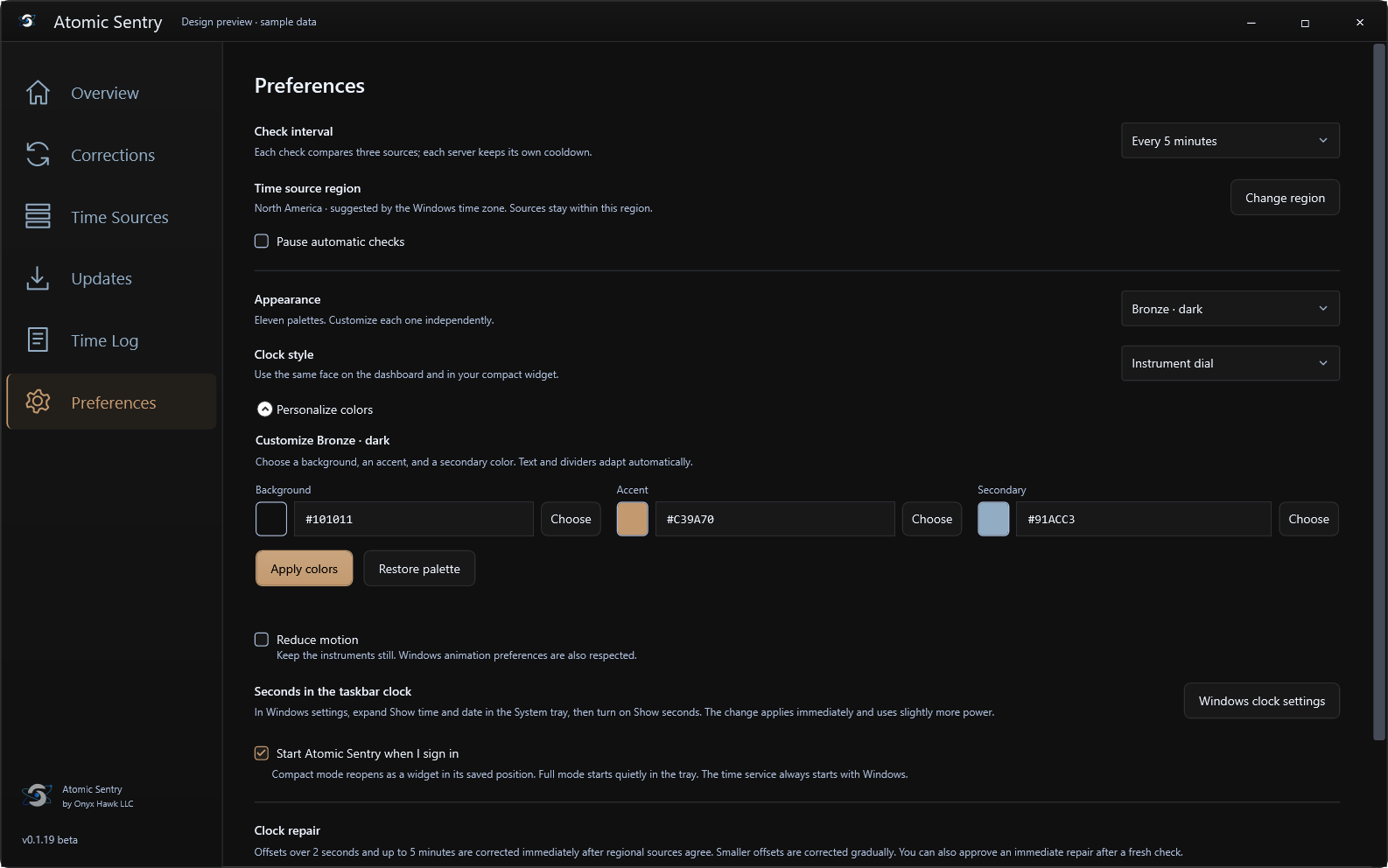
Choose from eleven dark and light palettes, or set your own colors. Compact mode remembers your clock face and window position.
Reduced-motion controls are built into the app. Reboot and mixed-DPI validation are still in progress.
ATOMIC SENTRY
Compare NTP sources, track drift, and monitor your clock’s offset.